Market Orders Banned in Algo Trading? SEBI’s New Rule Shocks Traders
From January 1, 2025, several brokers have stopped Market Orders in algo platforms under SEBI’s new rules. Traders must switch to Limit Orders on QuantMan to stay compliant. Learn how automatic conversion works, its risks, and how to set custom buffers to avoid slippage
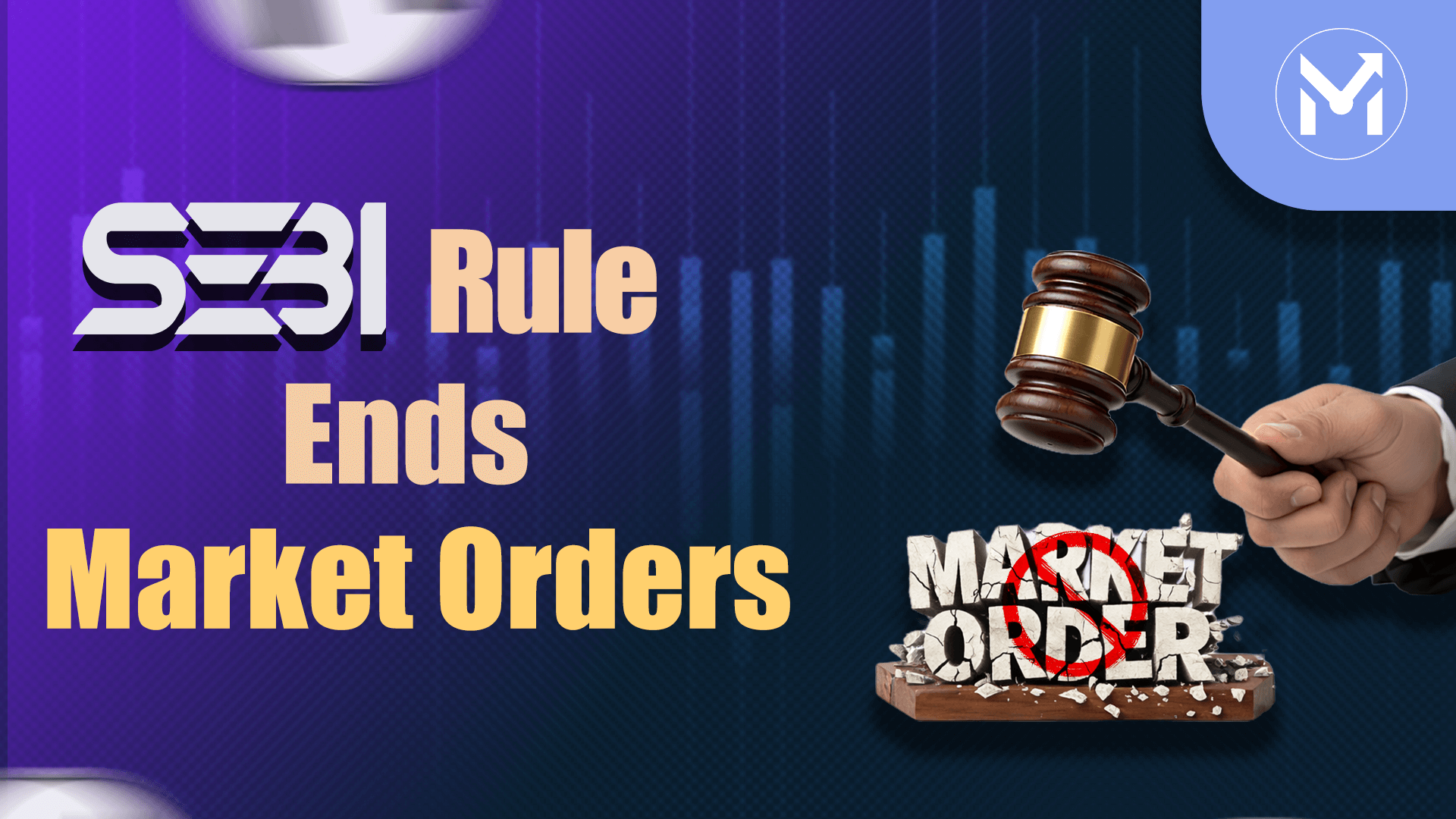
Algo traders across India are facing a big change. From January 1, 2025, several brokers have officially discontinued Market Orders on algo trading platforms under SEBI’s new regulations. This means if your strategies still rely on Market Orders, they will no longer be executed. To keep your trades running smoothly, you must switch to Limit Orders on QuantMan. This update is part of SEBI’s broader compliance push, following earlier rules like the Static IP requirement.
This blog breaks down what this means for traders, why it’s happening, and how you can adapt without losing performance.
What’s Happening With Market Orders?
SEBI has directed brokers to tighten compliance in algo trading. As a result, many brokers have already disabled Market Orders on platforms like QuantMan. If your broker has discontinued algo market orders, you will not be able to place them anymore. Instead, you can only execute Limit Orders, ensuring trades remain compliant and functional under the new rules.
It’s essential to note that not all brokers have disabled Market Orders simultaneously. Some may still allow them temporarily, but eventually, they will be discontinued across the board. That’s why traders must check with their broker and prepare their strategies in advance.
Click to watch the video on the ban of market orders in algo trading
Automatic Conversion to Limit Orders
If your strategies are still set to Market Orders, QuantMan will automatically convert them to Limit Orders once your broker disables market execution. While this ensures trades don't stop completely, there are limitations you need to understand.
- Entry Orders: Market Orders will be converted to Limit Orders with a 10% buffer. If not filled within 60 seconds, the trade will be cancelled automatically.
- Exit Orders: Market Orders will be converted to Limit Orders with a 10% buffer. If not filled, you will receive an alert and must manually close the position in your broker terminal.
This automatic conversion keeps strategies running but introduces risks like slippage and missed trades.
What Does the 10% Buffer Mean?
The default 10% buffer is designed to increase the chance of execution, but it can also cause slippage. Here’s how it works:
- For Buy Orders, the limit price becomes Signal Price + 10%.
- For Sell Orders, the limit price becomes Signal Price – 10%.
This means your trade could execute at a price up to 10% worse than intended. While it ensures compliance, it can hurt performance if left unadjusted.
How to Avoid Slippage: Manual Settings
To protect your strategies, you should manually configure Limit Order settings in QuantMan. This allows you to set your own buffer percentage and timeout duration. For example, instead of the default 10%, you can choose 0.5%, 1%, or 2% depending on your trading style. You can also define how long the system should wait before cancelling an unfilled order.
Here’s how to do it step by step:
- Log in to QuantMan and go to My Strategies.
- Select the strategy and click Edit Run.
- Scroll down to the Order Execution Details section.
- Change the Entry Order type from Market to Limit.
- Change the Exit Order type from Market to Limit.
- Set your preferred Limit Buffer Percentage (recommended 0.5% - 2%).
- Assign Timeout Settings based on your trading style.
By doing this, you ensure smoother execution and avoid excessive slippage.
Why This Matters for Traders
This change is not just a technical update - it directly impacts how your strategies perform. If you fail to switch, QuantMan will convert orders automatically, but you risk cancelled entries or manual exits. For active traders, this can mean missed opportunities or added stress.
By proactively switching to Limit Orders and customizing your buffer, you stay compliant with SEBI’s rules while keeping control over your execution quality.
Conclusion
Market Orders in algo trading are being phased out under SEBI’s new regulations, and brokers have already started disabling them. Traders who rely on Market Orders must act quickly to switch to Limit Orders on QuantMan. While automatic conversion exists, it comes with limitations like slippage and missed trades.
The smart move is to manually configure your Limit Order settings with a smaller buffer and custom timeout. This way, you stay compliant, avoid unnecessary losses, and keep your strategies running smoothly.
Watch the video on the ban of market orders in algo trading